Step 1
Draw your route
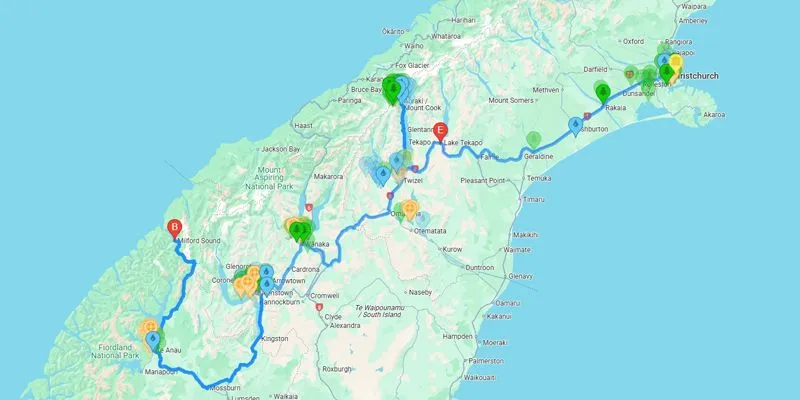
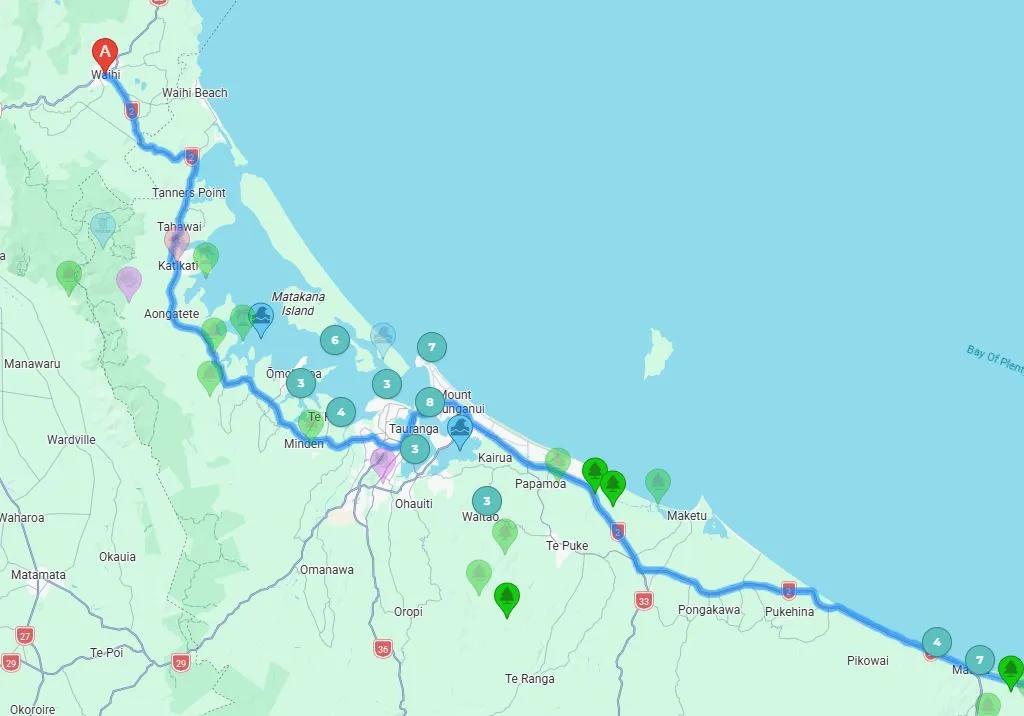
Enter where you’re starting and where you’re headed — Auckland to Rotorua, Christchurch to Queenstown, or anywhere in between.

New Zealand road trip planner
Excursion NZ maps attractions between where you start and where you’re headed — with realistic drive times, so your itinerary actually fits on the road.
Free to use North & South Island No app download
The best stops aren’t only at your overnight towns — they’re in the valleys, coastlines, and lookouts between them.
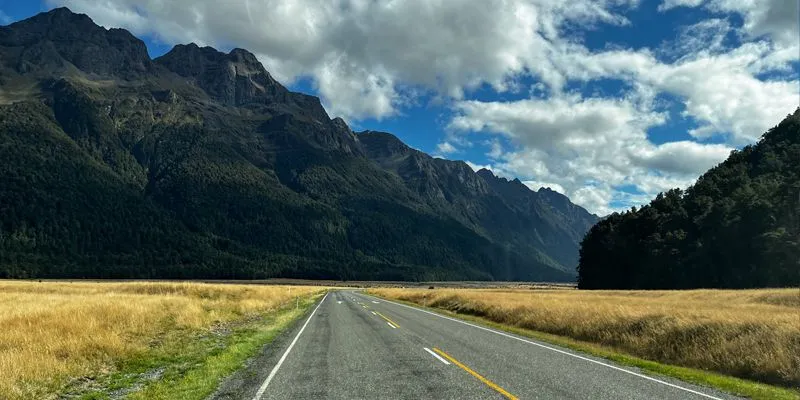
See beaches, hikes, museums, and local favourites in the corridor you’re actually driving — not a random list for the whole country.

Focus on what you care about — geothermal, wineries, short walks, family-friendly stops, and more.
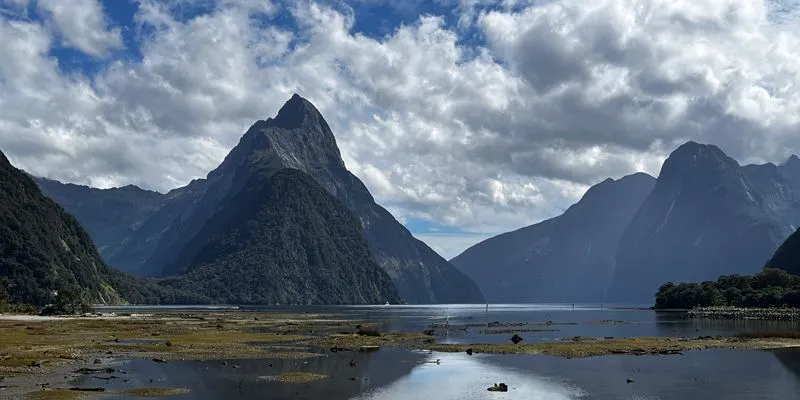
Know whether that waterfall detour still fits before dark, with travel time between each leg of your trip.
From first route to a plan you can drive — in three straightforward steps.
Enter where you’re starting and where you’re headed — Auckland to Rotorua, Christchurch to Queenstown, or anywhere in between.
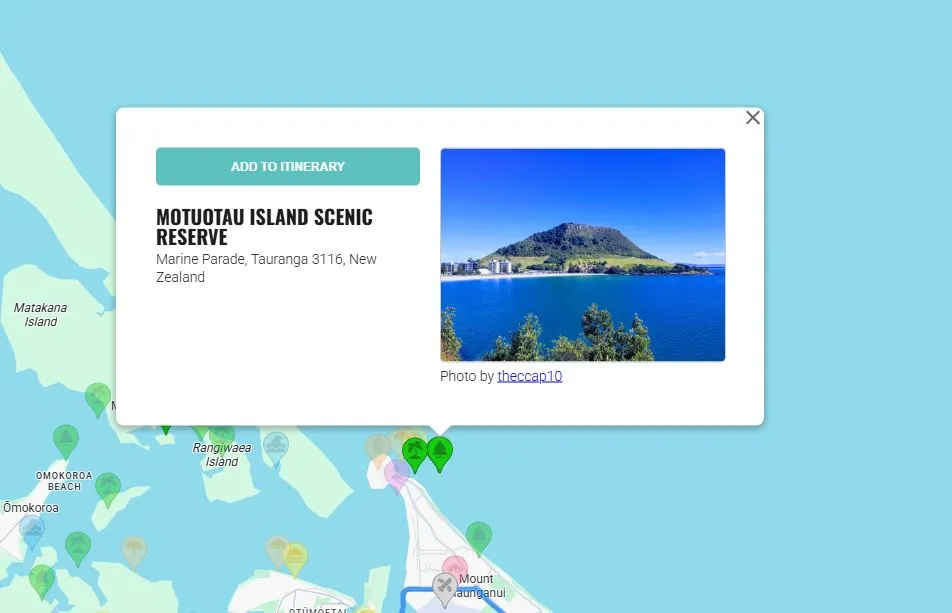
Attractions appear along your driving corridor. Tap for details, filter by interest, and add the ones you don’t want to miss.
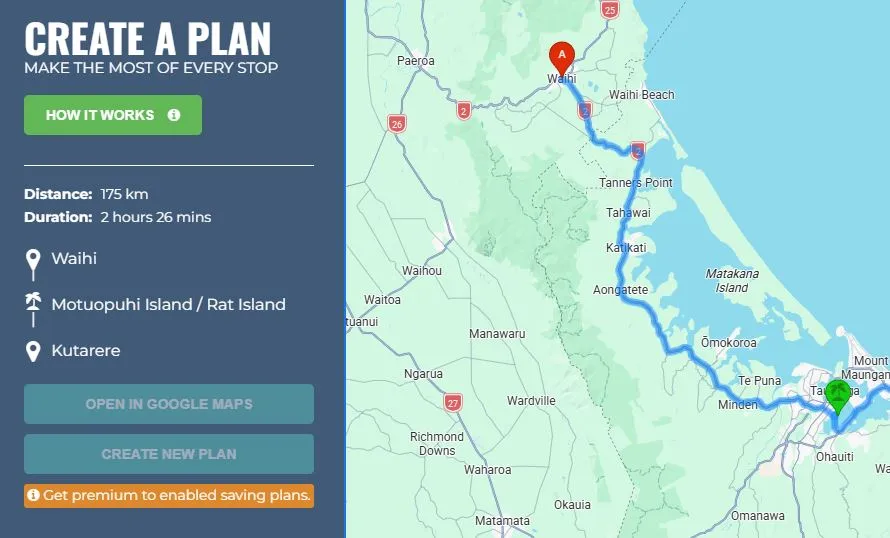
Reorder stops, check drive times between each point, and adjust the pace until the day feels right — then save when you’re ready.
Practical New Zealand travel advice — then turn what you read into a mapped route.
Set your route, pick your stops, and plan a New Zealand road trip that fits real drive times.